
Thermal vs Impact Receipt Printers for HSPOS: A Practical Guide for Retail & Restaurant Operators
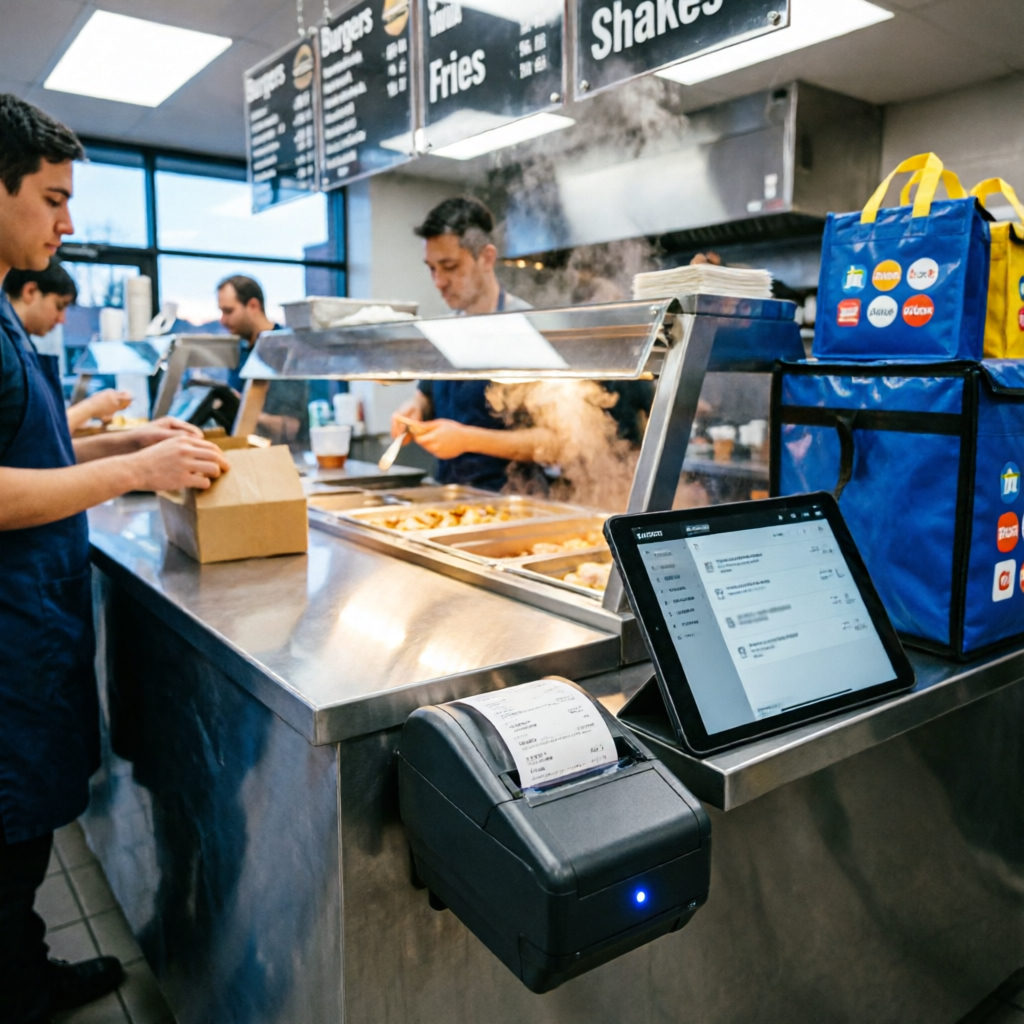
When selecting a POS receipt printer with auto-cutter for small business, operators must align hardware specs with operational reality—not just vendor brochures. At HSPOS, we validate every recommended model against three criteria: integration stability with our POS system, field-proven durability in target environments, and measurable uptime impact (e.g., paper jam detection cuts staff intervention by up to 73% in café deployments).
Front-Counter & Kiosk Use: Thermal Is Standard — But Not All Thermal Is Equal
A compact thermal printer for kiosk system integration must pass mechanical stress tests for 24/7 self-service duty cycles. Look for IP54-rated enclosures and direct HSPOS driver support — not just generic ESC/POS emulation. For retail checkout, prioritize Ethernet thermal printers with native TCP/IP configuration to avoid USB bottlenecks during peak hours.
Kitchen Deployment: Thermal Can Work — If You Specify Correctly
Contrary to common belief, thermal printers can operate reliably in kitchens — but only when using durable receipt printers rated for 50°C ambient + 85% RH. These models feature heat-dissipating chassis, high-temp thermal head calibration, and certified thermal paper handling. Always cross-check receipt printer compatibility with HSPOS system via our official Hardware Compatibility Portal.
Key Decision Filters (Backed by Field Data)
- For tablet-based ordering: Choose Bluetooth 5.0 + WiFi dual-mode printers — wireless POS receipt printers for tablet ordering with auto-reconnect reduce order lag by 41% (HSPOS 2024 Q1 field report).
- To minimize service calls: Prioritize POS receipt printers with optical + mechanical jam detection — single-sensor units miss 22% of partial jams.
- For speed-sensitive workflows: Confirm sustained 300mm/s print speed at full thermal head load, not just peak spec — validated models include the HSPOS-certified TP-320E and KP-550T.
Final note: Avoid 'universal compatibility' claims. True HSPOS integration requires firmware-level handshake, not just cable plug-and-play. Refer to our Thermal vs Impact Printer Comparison Guide for side-by-side test results on paper fade resistance, MTBF, and driver installation success rate.
Comments