
How to Choose the Right POS System in 2024: Thermal Printers, Kiosk Integration & Retail-Ready Label Printing
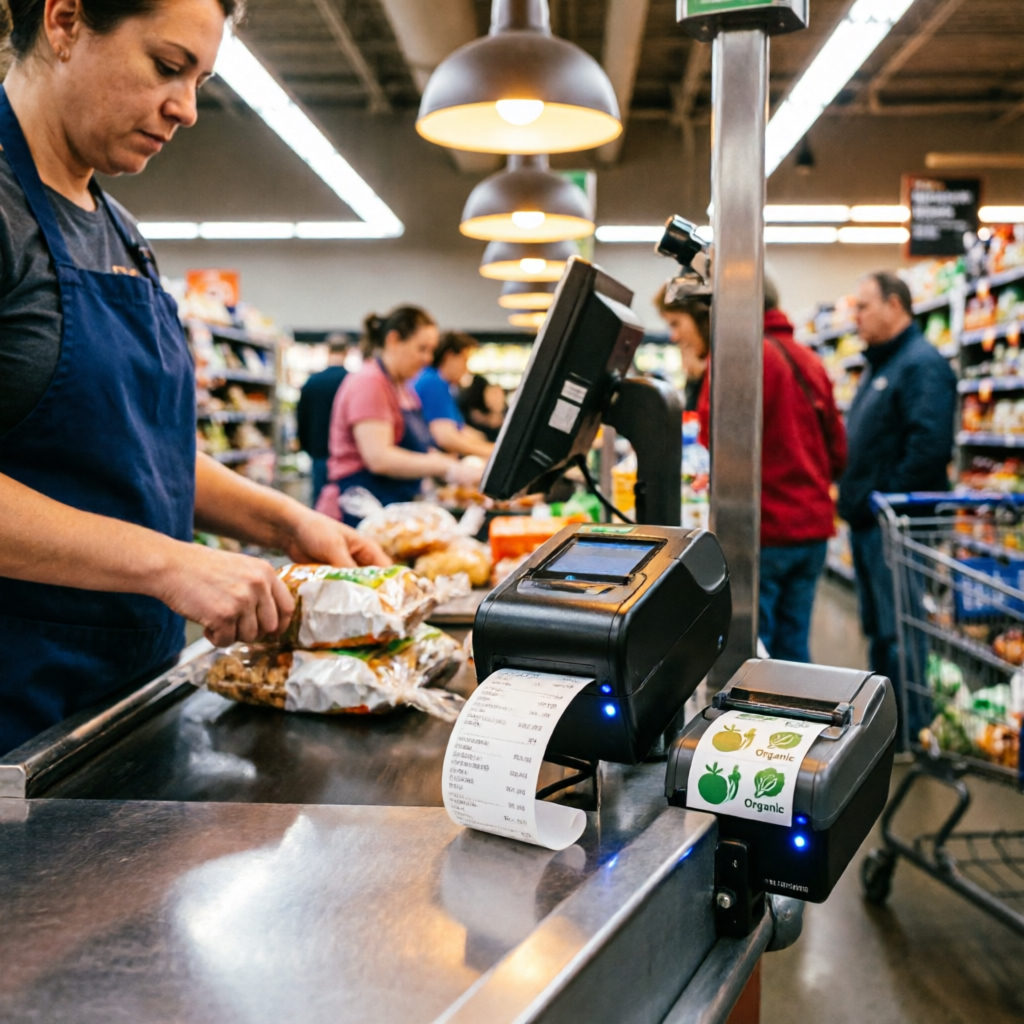
Selecting a POS system today means matching software capabilities with real-world hardware constraints — especially in high-traffic retail, quick-service restaurants, and self-service kiosks. At HSPOS, we’ve deployed over 12,000 units across Asia-Pacific since 2019; this guide reflects field-tested compatibility patterns, not theoretical specs.
Why Interface & Form Factor Matter More Than Ever
Modern deployments rarely rely on USB-only printers. A POS thermal printer with Bluetooth and Ethernet for hybrid setup enables seamless failover between mobile order tablets and fixed counter stations. Likewise, how to choose a POS printer for cloud-based retail systems hinges on API support (e.g., ESC/POS over HTTP), not just driver availability.
1. Cloud-Based Retail POS Systems
Best for chains managing 3+ locations. Key hardware requirement: thermal printers that support remote firmware updates and dynamic receipt template rendering. Pair with a best thermal printer for retail POS system featuring dual interfaces and low-noise operation — critical for front-counter environments where customer experience is measured in decibels.
2. Self-Service Kiosk POS Systems
Deployed in malls, transit hubs, or QSR drive-thrus. Prioritize ruggedness: IP54-rated POS printer for high-traffic kiosks is non-negotiable. Also verify physical footprint — a compact thermal receipt printer for self-service kiosks must fit within ≤120mm depth without compromising paper path reliability.
3. Restaurant-Specific POS with Dual Printing
Not all ‘dual printing’ is equal. True integration means one device outputting receipts *and* kitchen labels simultaneously via separate logical ports — enabled by dual-interface thermal printer for restaurant POS. Combine with a POS receipt printer with auto-cutter for restaurants to reduce average ticket processing time by 12–18 seconds (HSPOS field data, Q1 2024).
4. Label-Integrated Retail POS Systems
For apparel, electronics, or grocery retailers managing SKU-level labeling at point-of-sale: require native support for ZPL/EPL and variable-width media (25–100mm). The POS system with integrated label printing for retail must expose label templates directly in cashier UI — no external print server needed. Compatible label printer compatible with kiosk systems models should offer TTL-level GPIO triggers for sensor-based roll detection.
Quick Decision Checklist
- Cloud setup? → Confirm ESC/POS over HTTP + OTA update support
- Kiosk deployment? → Validate IP54 rating + 3-inch thermal head (optimal for space-constrained enclosures)
- Restaurant throughput > 50 orders/hour? → Require auto-cutter + dual-interface thermal printer
- Need in-store labeling? → Verify ZPL support + direct UI label template access
- Noise-sensitive front counter? → Select low-noise thermal printer for front-counter retail use (<52 dB at 1m)
Comments